Tablet speakers: how to fix muffled audio
AI-assisted summary based on reporting fromEngadget.About our reporting
Key Points
- •Poor sound quality can make watching videos on a tablet frustrating for users.
- •Cases, screen protectors, dirt, and debris can block speaker openings and cause muffled audio.
- •Simple checks and gentle cleaning can improve sound before considering a repair or replacement.
Listen to this story (Audio briefing)
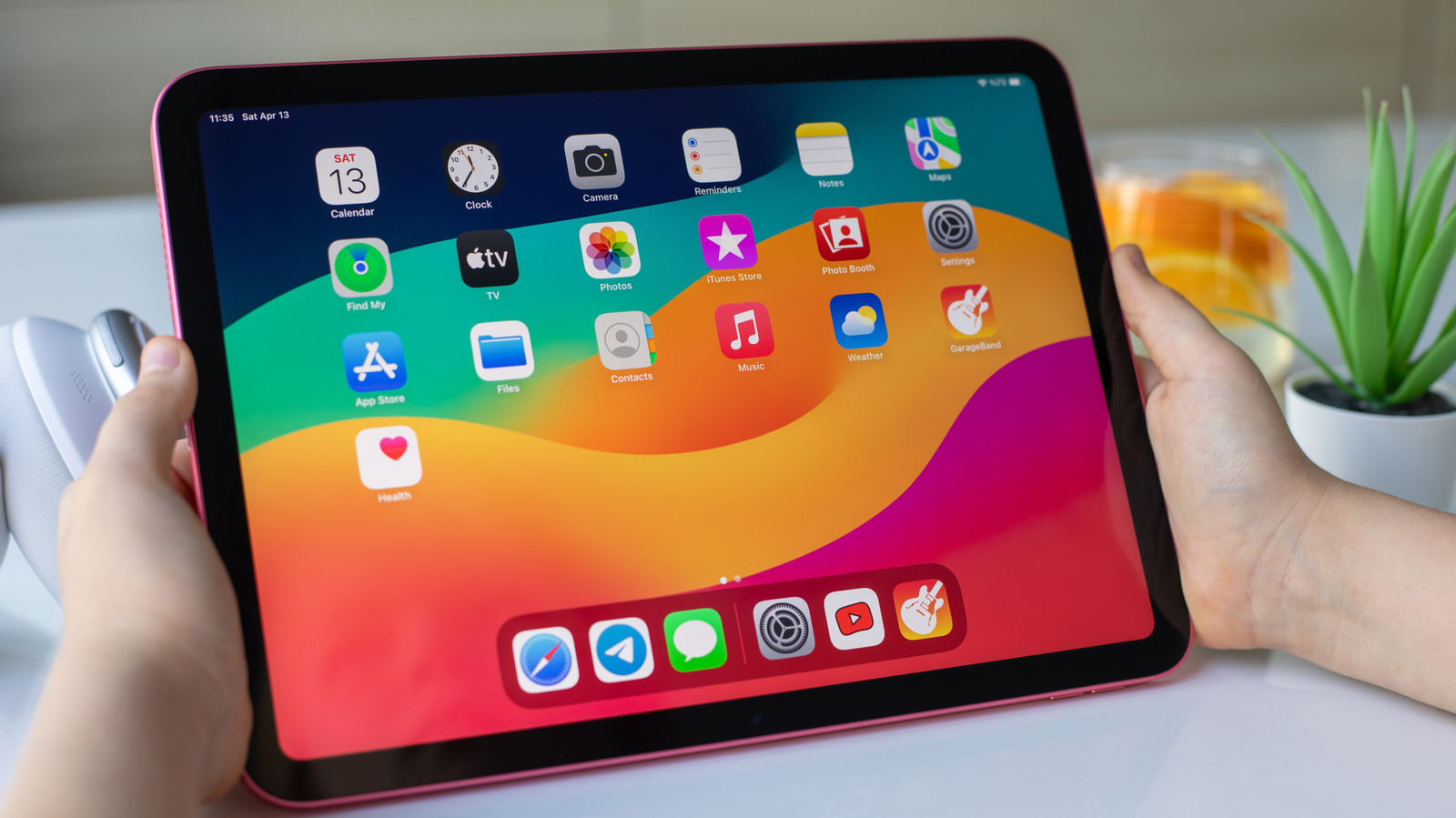
Struggling to hear the audio track while watching a video on a tablet can be a frustrating experience. Before deciding to purchase a completely new tablet or paying for a professional repair, users can perform a few simple checks of the device case, sound settings, and speakers to help improve the audio output. Frequently, the issue is not caused by the speakers themselves, but rather by an obstruction blocking the sound openings. Dirt, debris, or a protective case can easily cover the speaker openings and leave the audio sounding muffled, as though the device were underwater. Some individuals might suspect the speakers began functioning poorly or became quieter following a software update. However, checking for blocked openings, conducting gentle cleaning, and reviewing sound settings can resolve the problem without additional costs. Apple recommends taking off the screen protector and case as an initial step when addressing sound problems on an iPad, which helps rule them out before assuming the hardware is at fault. An improperly installed screen protector can block sound emissions, while a lifting screen protector or loose case can rattle against the body and muddle the audio. Even if these accessories are not the underlying root cause, removing them provides a clearer path to diagnosing the problem. If the sound quality improves with the accessories removed, users can put the case back on and test it again to see if it was responsible. If the audio becomes worse again once the case is fitted, it can be left off while deciding whether to adjust its position or find a replacement. Once the speakers are fully accessible, cleaning them carefully requires powering the device off and unplugging all cables. Users can then use a clean, small, dry brush with soft, nonmetallic bristles to gently clear away dust and lint from the speaker grilles.
Analysis: Understanding how to properly inspect and clean tech devices helps users troubleshoot common audio problems independently. Taking these steps before paying for repairs or buying a new tablet can save time and money.
Related Stories in AI & Tech
More in AI & Tech →
Smartphone battery life: how to charge your device
Smartphone batteries are lithium-ion and degrade over time based on charging habits and temperature.

Mechanical vs. membrane keyboards: A comparison
Membrane keyboards use a flexible layer of plastic and rubber to register keystrokes.
Smart TV lifespan and how long displays last
On average, a new smart TV can last from seven to 10 years.

Intel Arc GPUs: Are they still worth buying in 2026?
Intel launched its Arc GPU lineup in 2022, initially facing criticism for poor drivers and system instabilities.

Old iPads can replace costly smart gadgets
An old iPad can replace expensive gadgets costing between $150 and $300.

PlayStation 5 Pro PC build cost and comparison
Sony's PlayStation 5 Pro costs up to $900 before add-ons.
Want to Work Remotely for US & Global Tech Companies?
400+ verified remote positions in AI engineering, cloud development, design, and executive leadership are hiring now worldwide. Fast-track direct application with guaranteed employer delivery.
Subscribe to Our Daily AI & Market Briefing
Get our curated daily news brief, clear market takeaways, and essential video dispatches delivered directly to your inbox.