Old iPads can replace costly smart gadgets
AI-assisted summary based on reporting fromEngadget.About our reporting

Key Points
- •An old iPad can replace expensive gadgets costing between $150 and $300.
- •Specific settings like Guided Access and Auto-Lock help improve device reuse.
- •Older iPads that lack current software updates should be kept offline.
Listen to this story (Audio briefing)
An old tablet from Apple can serve as a substitute for expensive hardware priced between $150 and $300. Instead of sitting inside a drawer collecting dust, the hardware can function as a drawing tablet, photo frame, sunrise alarm, or smart display. For instance, Apple sells the HomeView for $299 with a seven-inch screen, but an existing tablet can handle several of those same functions.
To prepare the device for alternative tasks, specific configurations are recommended. Users should set the Auto-Lock feature to Never within the display settings, keep the device plugged into a power source, and use Guided Access to lock the screen into a single application. This restriction is activated by navigating through the accessibility menu and triple-pressing the power button while an application is open.
It is also necessary to verify whether the hardware still receives software updates. iPadOS 27 supports the iPad ninth generation, iPad mini sixth generation, iPad Air fourth generation, 11-inch iPad Pro second generation, 12.9-inch iPad Pro fourth generation, and newer models. Older models receive occasional security patches on an unpredictable schedule. Devices that no longer receive official support should be restricted to offline tasks and kept away from shopping, passwords, and banking activities.
When placed on a kitchen stand, an older tablet can manage basic smart home controls through the Home app, including lights, cameras, and thermostats. Users can view recipes, request timers from Siri while cooking, and handle FaceTime calls without locating a phone. However, the tablet cannot function as a home hub on the latest version of Apple Home, meaning remote control, automations, and Matter-based accessories still require a HomePod or Apple TV.
Analysis indicates that owners of older Apple tablets can avoid purchasing expensive replacement hardware by repurposing existing devices for basic household tasks. While these older units lack advanced capabilities like facial recognition profiles or home hub functionality without additional equipment, they offer practical utility for tasks such as displaying recipes and managing smart home applications.
Related Stories in AI & Tech
More in AI & Tech →
Smartphone battery life: how to charge your device
Smartphone batteries are lithium-ion and degrade over time based on charging habits and temperature.
Mechanical vs. membrane keyboards: A comparison
Membrane keyboards use a flexible layer of plastic and rubber to register keystrokes.
Smart TV lifespan and how long displays last
On average, a new smart TV can last from seven to 10 years.
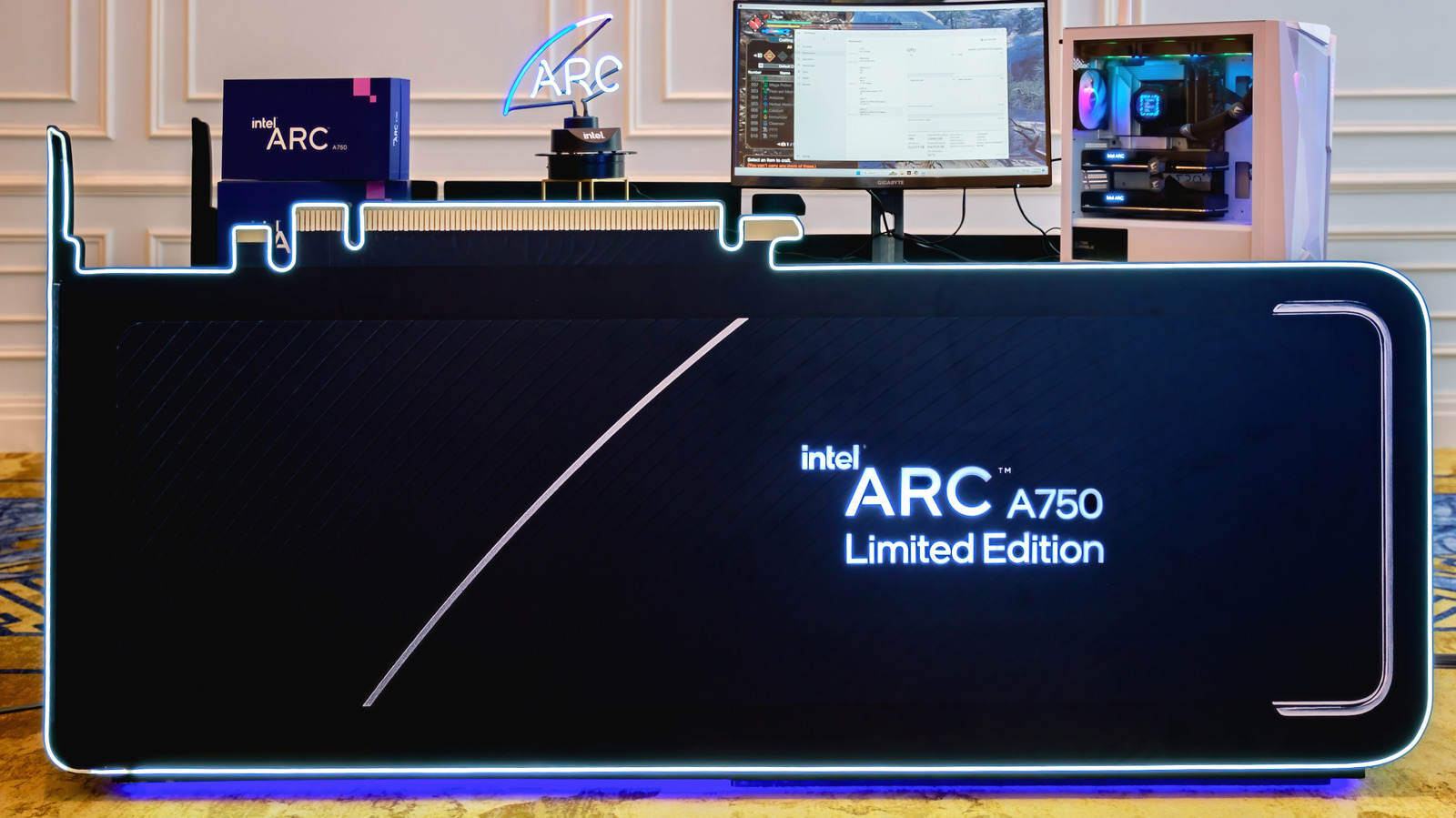
Intel Arc GPUs: Are they still worth buying in 2026?
Intel launched its Arc GPU lineup in 2022, initially facing criticism for poor drivers and system instabilities.

PlayStation 5 Pro PC build cost and comparison
Sony's PlayStation 5 Pro costs up to $900 before add-ons.
Old phone smart home remote setup guide
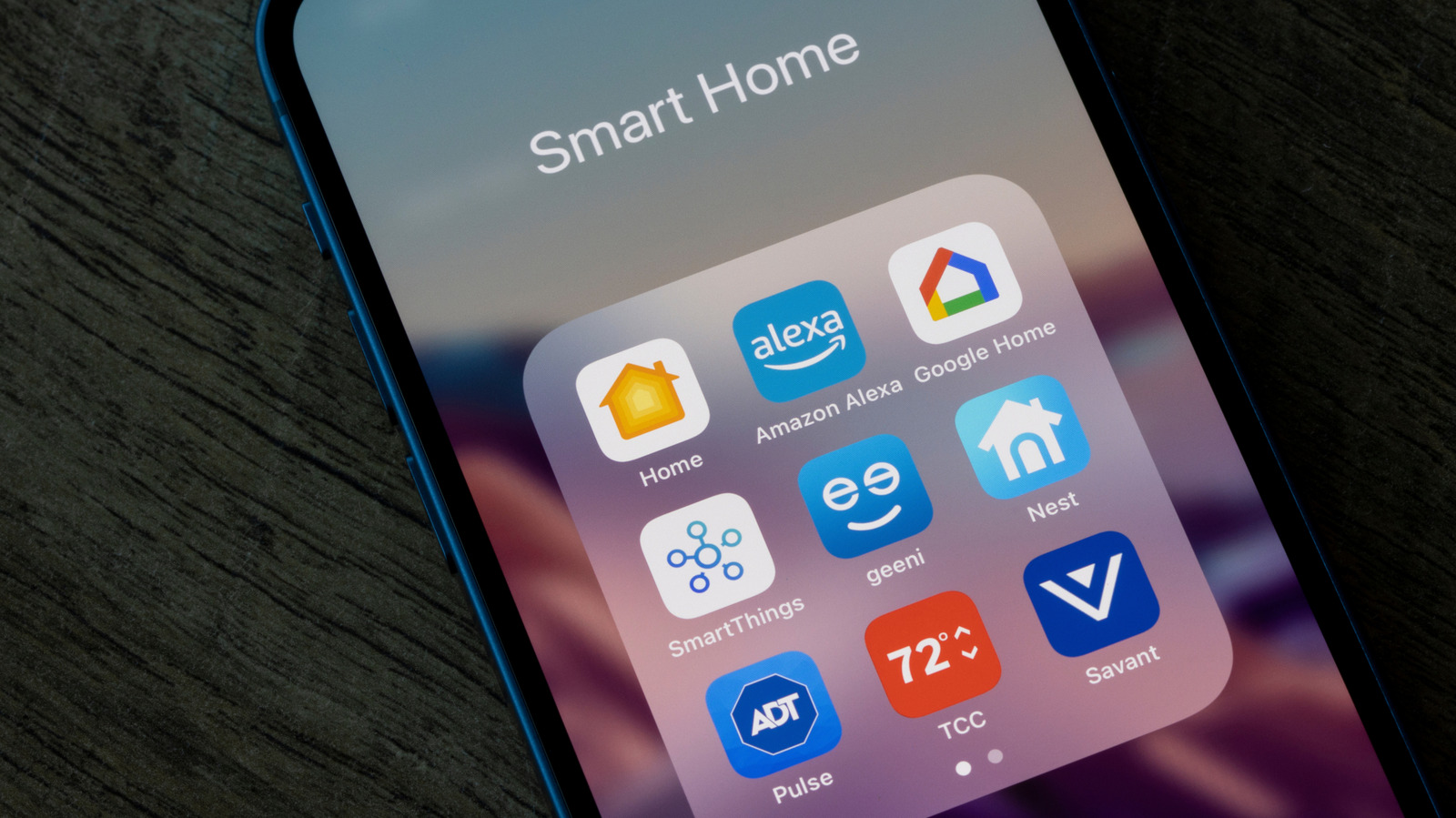
Old smartphones or tablets can be repurposed as a dedicated smart home dashboard to control lights, cameras, and robot vacuums.
Want to Work Remotely for US & Global Tech Companies?
400+ verified remote positions in AI engineering, cloud development, design, and executive leadership are hiring now worldwide. Fast-track direct application with guaranteed employer delivery.
Subscribe to Our Daily AI & Market Briefing
Get our curated daily news brief, clear market takeaways, and essential video dispatches delivered directly to your inbox.