Mechanical vs. membrane keyboards: A comparison
AI-assisted summary based on reporting fromEngadget.About our reporting
Key Points
- •Membrane keyboards use a flexible layer of plastic and rubber to register keystrokes.
- •Mechanical keyboards feature individual switches for every key.
- •Membrane keyboards are generally quieter and more affordable than mechanical models.
Listen to this story (Audio briefing)
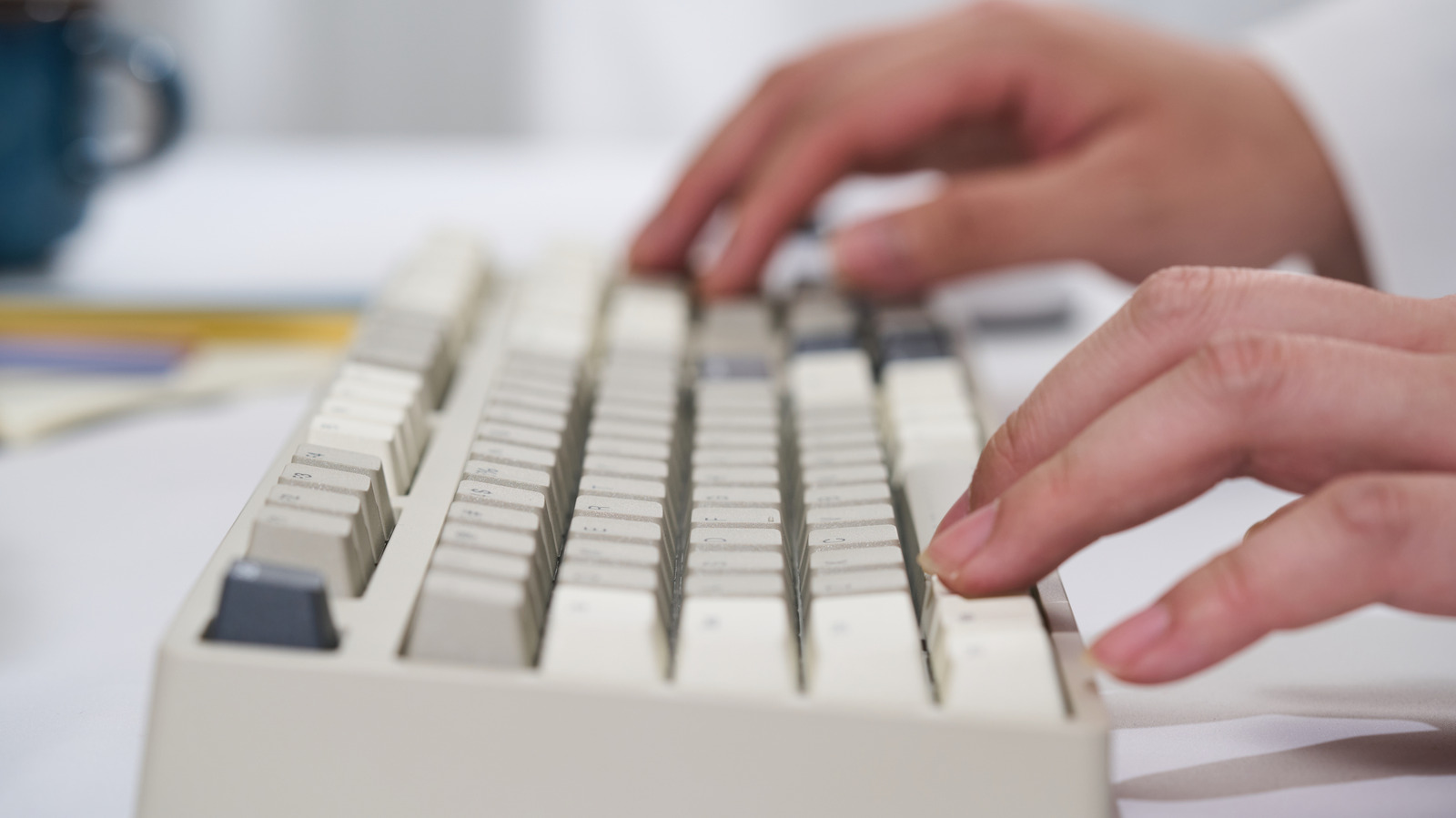
Mechanical keyboards have grown in popularity recently, moving from a niche interest to a more common choice for users. Despite this shift, membrane keyboards remain the standard in many office and school environments. Understanding the functional differences between these two types of hardware is necessary for anyone considering a purchase. The primary distinction lies in the internal mechanism used to register inputs. Membrane keyboards rely on a flexible layer composed of plastic and rubber. When a user presses a key, it makes contact with a conductive surface beneath this membrane to record the input. In contrast, mechanical keyboards utilize a dedicated switch for each individual key. These switches register the keystroke at a specific point during the travel of the key.
Cost and availability are the most notable benefits of membrane keyboards. Basic models are widely available at both online and physical stores, often priced under $20. While the price gap is narrowing as more affordable mechanical options enter the market, membrane keyboards remain the most budget-friendly choice for basic typing needs. Furthermore, their operation is quiet, making them suitable for shared workspaces where noise levels are a concern. However, membrane keyboards have limitations regarding longevity and repair. The internal membrane layer tends to wear out faster than mechanical switches. Because these units are typically not designed for repair, a single malfunctioning key often requires the replacement of the entire device. Additionally, membrane keyboards offer limited customization compared to their mechanical counterparts, meaning users are generally restricted to the features provided by the manufacturer at the time of purchase.
Analysis: Choosing between these keyboard types involves balancing budget and noise requirements against long-term durability and customization preferences. Understanding these mechanical differences helps users select hardware that aligns with their specific work environment and usage frequency.
Related Stories in AI & Tech
More in AI & Tech →
Smartphone battery life: how to charge your device
Smartphone batteries are lithium-ion and degrade over time based on charging habits and temperature.
Smart TV lifespan and how long displays last
On average, a new smart TV can last from seven to 10 years.
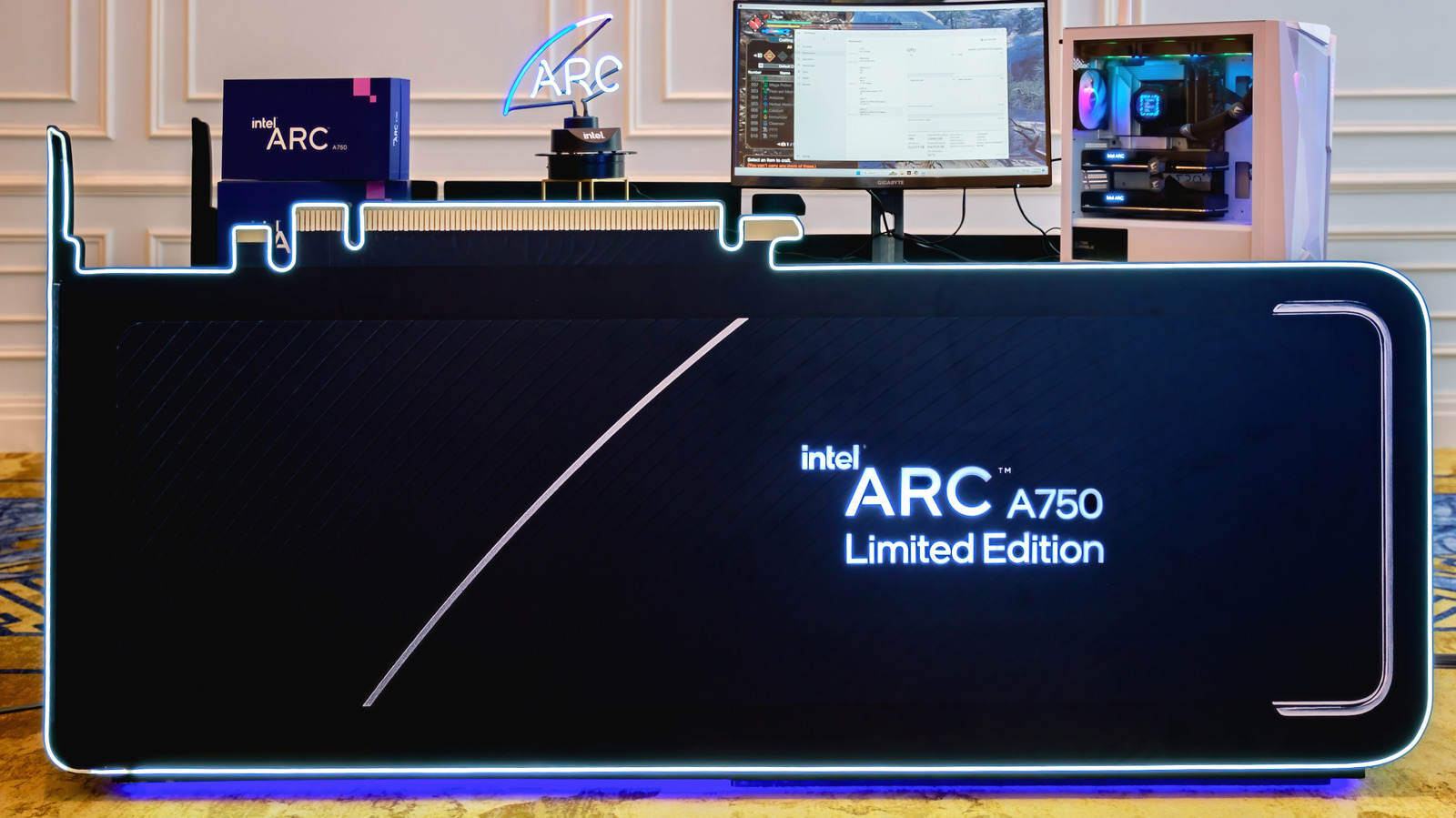
Intel Arc GPUs: Are they still worth buying in 2026?
Intel launched its Arc GPU lineup in 2022, initially facing criticism for poor drivers and system instabilities.

Old iPads can replace costly smart gadgets
An old iPad can replace expensive gadgets costing between $150 and $300.

PlayStation 5 Pro PC build cost and comparison
Sony's PlayStation 5 Pro costs up to $900 before add-ons.
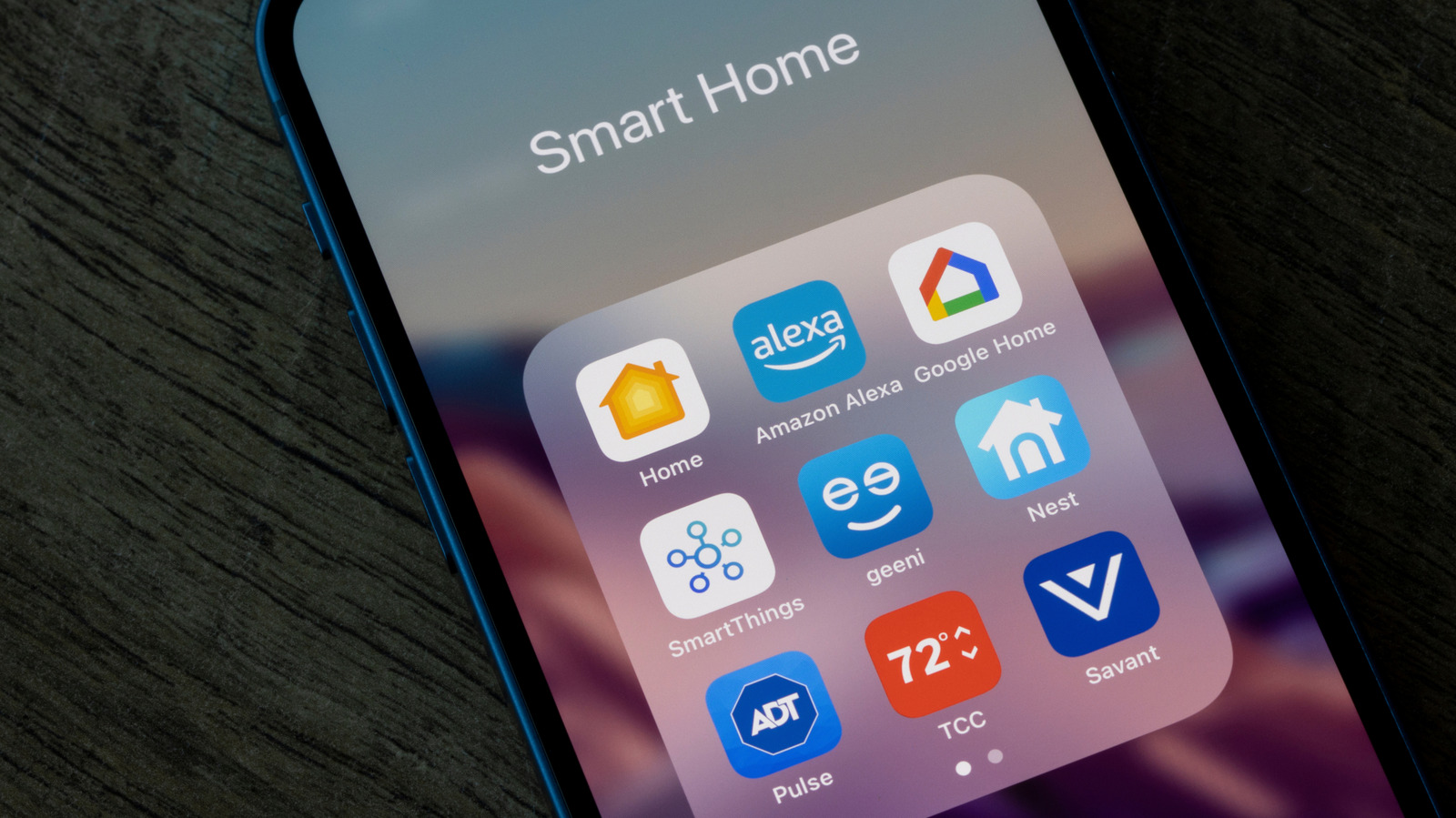
Old phone smart home remote setup guide
Old smartphones or tablets can be repurposed as a dedicated smart home dashboard to control lights, cameras, and robot vacuums.
Want to Work Remotely for US & Global Tech Companies?
400+ verified remote positions in AI engineering, cloud development, design, and executive leadership are hiring now worldwide. Fast-track direct application with guaranteed employer delivery.
Subscribe to Our Daily AI & Market Briefing
Get our curated daily news brief, clear market takeaways, and essential video dispatches delivered directly to your inbox.