Roku TV refresh rate settings for a cinematic look
AI-assisted summary based on reporting fromEngadget.About our reporting
Key Points
- •Roku TVs typically default to a 60fps refresh rate.
- •Movies are generally filmed and projected at 24fps.
- •Users can enable auto-adjust settings to match the native frame rate of content.
Listen to this story (Audio briefing)
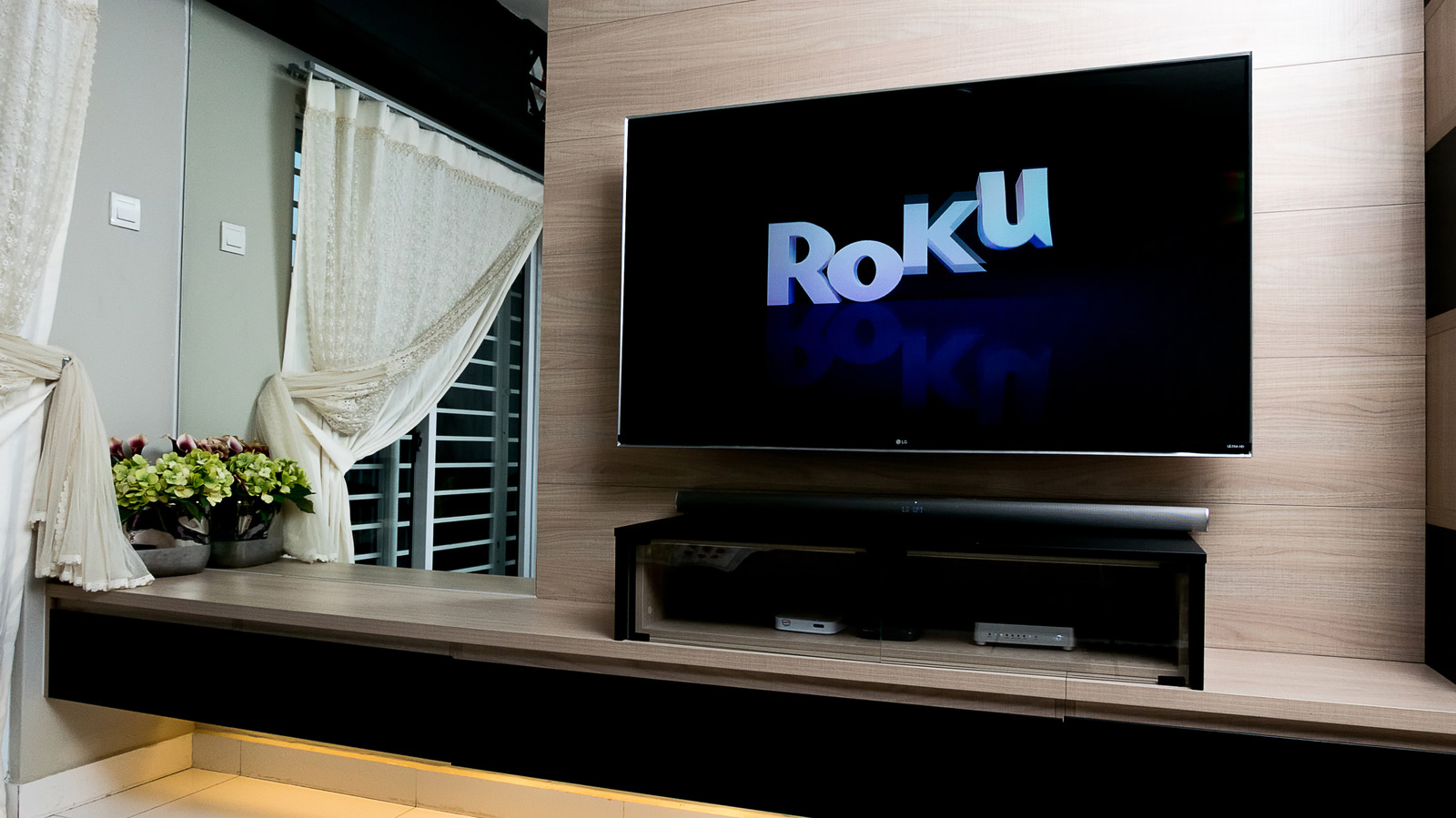
If you were to travel back in time thirty years, the technology found in a modern smart television would likely seem advanced. Beyond the vast amount of content available on a Roku TV, there are specific settings that allow users to change how they watch movies. While many Roku devices default to a refresh rate of 60fps, this setting may not provide the most theatrical experience for viewers. Most films are captured and projected at 24fps, which has been the standard for decades. When people visit a movie theater, they are viewing content at this 24fps output. Roku provides an option to adjust the television's refresh rate to align with this standard, which can help viewers see films closer to the original intent of the creators.
While many discussions regarding television display settings focus on color and contrast, adjusting the refresh rate is an alternative way to achieve a specific look. To modify this on a Roku TV, users must navigate to the main menu and select Settings. From there, they should proceed to the System menu. Within this section, users will find Advanced System Settings, which provides access to Advanced Display Settings. By turning on the Auto-adjust display refresh rate feature, the television will automatically match the native frame rate of the movie or show being played. This means films will run at 24fps, while television shows may run at 30 or 60fps. This adjustment is designed to improve the viewing experience by ensuring the display matches the source material.
Analysis: Adjusting the refresh rate allows users to align their television output with the native frame rate of films, which are traditionally produced at 24fps. This setting provides a way for viewers to experience movies in a manner that reflects the original intent of the production.
Related Stories in AI & Tech
More in AI & Tech →
Smartphone battery life: how to charge your device
Smartphone batteries are lithium-ion and degrade over time based on charging habits and temperature.

Mechanical vs. membrane keyboards: A comparison
Membrane keyboards use a flexible layer of plastic and rubber to register keystrokes.
Smart TV lifespan and how long displays last
On average, a new smart TV can last from seven to 10 years.
Intel Arc GPUs: Are they still worth buying in 2026?
Intel launched its Arc GPU lineup in 2022, initially facing criticism for poor drivers and system instabilities.

Old iPads can replace costly smart gadgets
An old iPad can replace expensive gadgets costing between $150 and $300.

PlayStation 5 Pro PC build cost and comparison
Sony's PlayStation 5 Pro costs up to $900 before add-ons.
Want to Work Remotely for US & Global Tech Companies?
400+ verified remote positions in AI engineering, cloud development, design, and executive leadership are hiring now worldwide. Fast-track direct application with guaranteed employer delivery.
Subscribe to Our Daily AI & Market Briefing
Get our curated daily news brief, clear market takeaways, and essential video dispatches delivered directly to your inbox.