Old phone smart home remote setup guide
AI-assisted summary based on reporting fromEngadget.About our reporting
Key Points
- •Old smartphones or tablets can be repurposed as a dedicated smart home dashboard to control lights, cameras, and robot vacuums.
- •Devices can be mounted on a stand and left plugged in all day because high-powered hardware is not required.
- •Hubs like Google Home, Apple HomeKit, or Samsung SmartThings help combine multiple manufacturer apps into one place.
Listen to this story (Audio briefing)
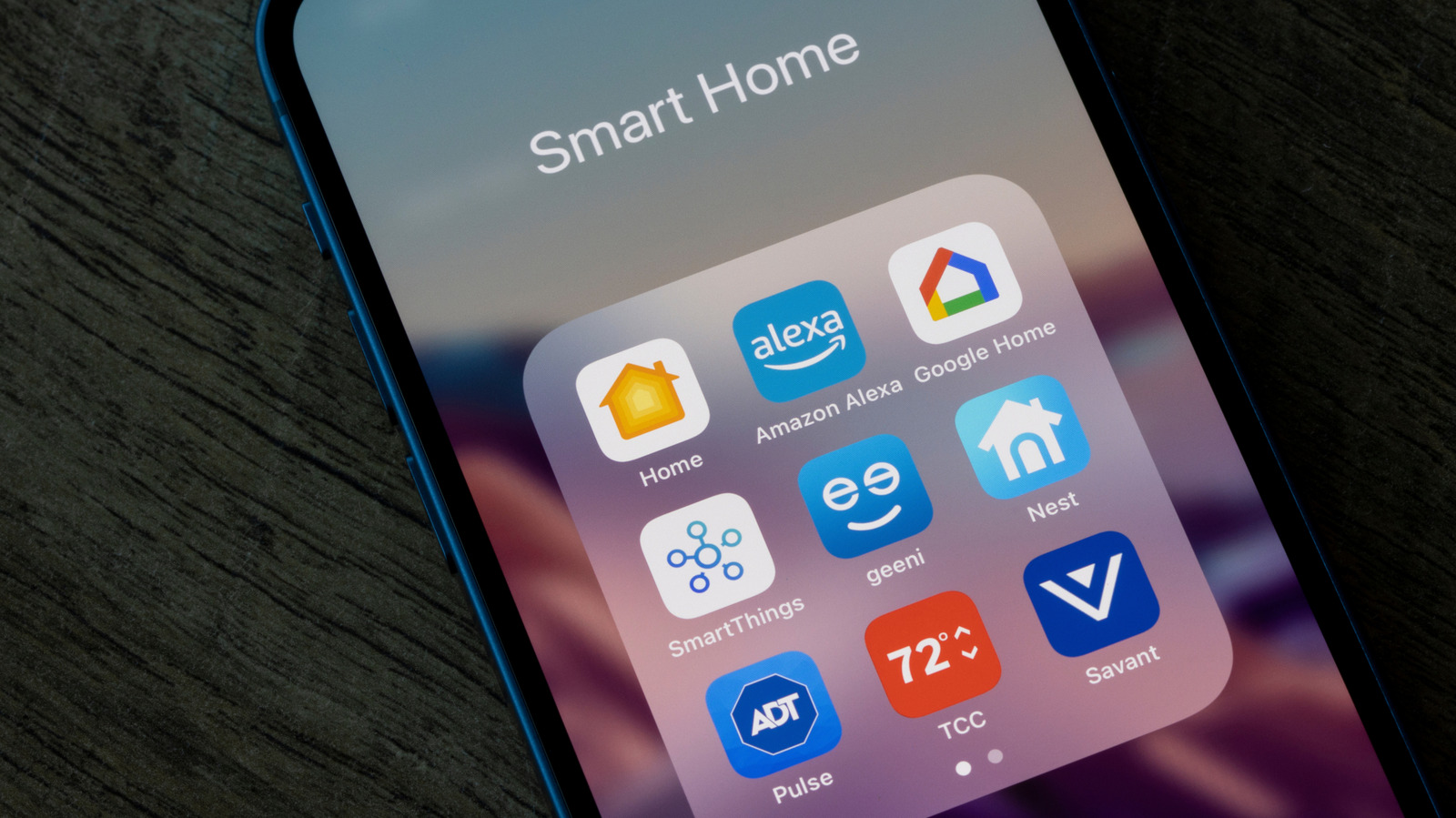
Managing connected home technology can often involve a frustrating process of juggling multiple applications and voice commands. For instance, operating desk lights can require reaching for a mobile device or speaking an instruction aloud. These methods can feel less natural than simply using a physical wall switch. However, people who have an unused smartphone or tablet lying around can easily repurpose it into a dedicated smart home dashboard. This setup allows users to operate lights, robot vacuums, music controls for smart speakers, and camera feeds with a single tap. Old mobile devices make ideal candidates for this task because they can be mounted on a stand and left plugged in continuously. They do not require powerful internal hardware since their primary function is simply to display a single application or webpage. For example, a person can attach a MagSafe-compatible ring to an older Android phone and pair it with a wireless charging stand accessory to keep the battery charged. Managing devices from different manufacturers often means dealing with numerous separate ecosystems and applications. While the industry has progressed through standards like Matter that bring gadgets together under a single connectivity framework, many items still rely on alternative solutions. Users can link devices from various brands, such as Philips Hue, TP-Link Kasa, and Govee, directly into a centralized hub like Google Home, Apple HomeKit, or Samsung SmartThings. This integration removes the requirement for multiple brand-specific apps. On a spare Android device, a user can keep the Google Home app running constantly to view a list of paired gadgets, check their status, and tap the screen to toggle them. Similarly, individuals using an Apple device can rely on Apple's Home app, which offers an interface well-suited for an always-on remote control display.
Analysis: Repurposing older mobile hardware offers a practical way to manage connected home devices without purchasing expensive new displays. Centralizing various brand ecosystems through software hubs reduces the need to switch between dozens of individual applications.
Related Stories in AI & Tech
More in AI & Tech →
Smartphone battery life: how to charge your device
Smartphone batteries are lithium-ion and degrade over time based on charging habits and temperature.
Mechanical vs. membrane keyboards: A comparison
Membrane keyboards use a flexible layer of plastic and rubber to register keystrokes.
Smart TV lifespan and how long displays last
On average, a new smart TV can last from seven to 10 years.
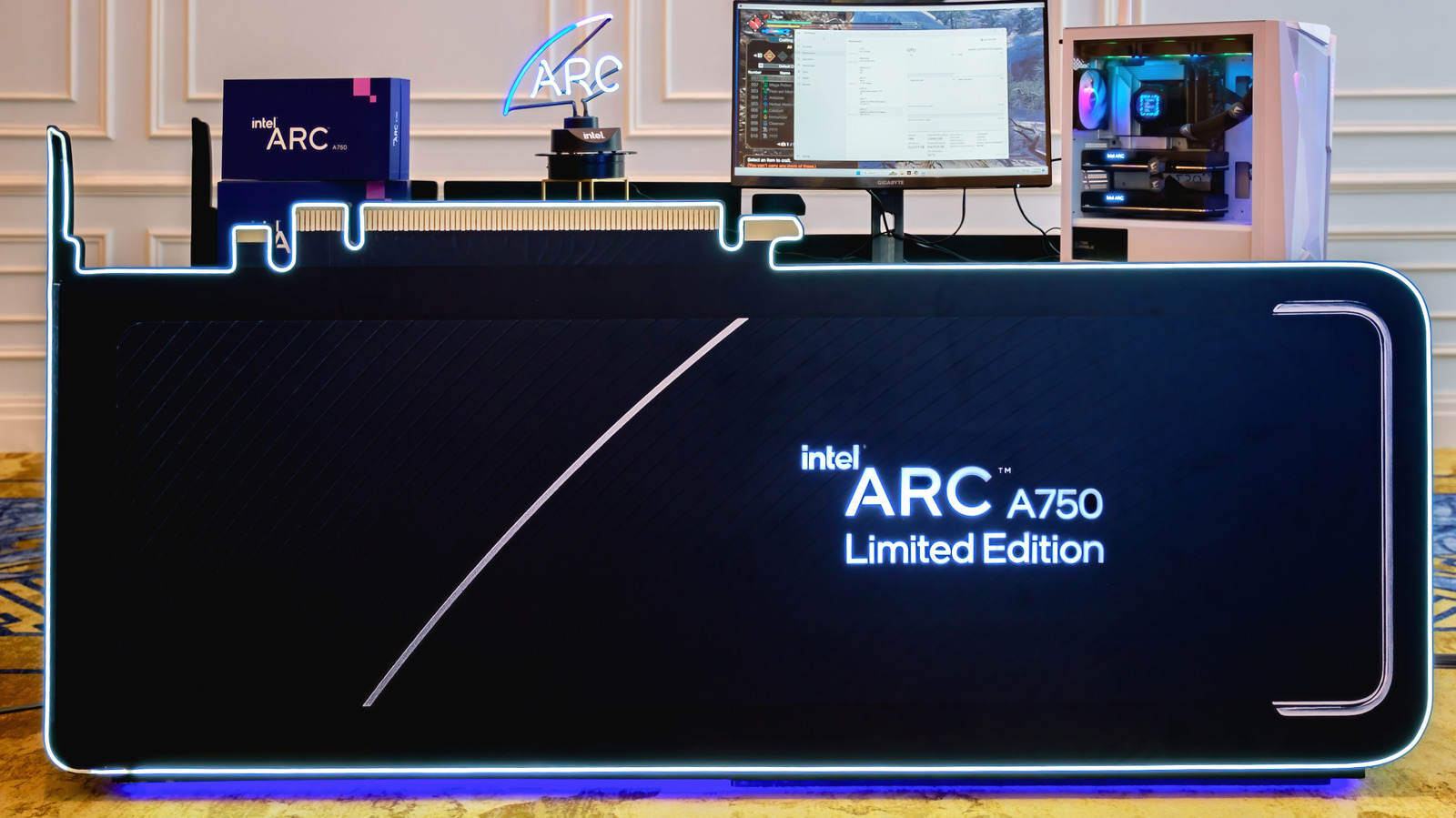
Intel Arc GPUs: Are they still worth buying in 2026?
Intel launched its Arc GPU lineup in 2022, initially facing criticism for poor drivers and system instabilities.

Old iPads can replace costly smart gadgets
An old iPad can replace expensive gadgets costing between $150 and $300.

PlayStation 5 Pro PC build cost and comparison
Sony's PlayStation 5 Pro costs up to $900 before add-ons.
Want to Work Remotely for US & Global Tech Companies?
400+ verified remote positions in AI engineering, cloud development, design, and executive leadership are hiring now worldwide. Fast-track direct application with guaranteed employer delivery.
Subscribe to Our Daily AI & Market Briefing
Get our curated daily news brief, clear market takeaways, and essential video dispatches delivered directly to your inbox.