Laptop screen cleaning with alcohol wipes carries risks
AI-assisted summary based on reporting fromEngadget.About our reporting
Key Points
- •Laptop manufacturers disagree on whether alcohol wipes are safe for screens.
- •Apple permits 70 percent isopropyl alcohol wipes and Clorox Disinfecting Wipes.
- •HP, Dell and Lenovo recommend avoiding ethyl alcohol to prevent screen damage.
Listen to this story (Audio briefing)
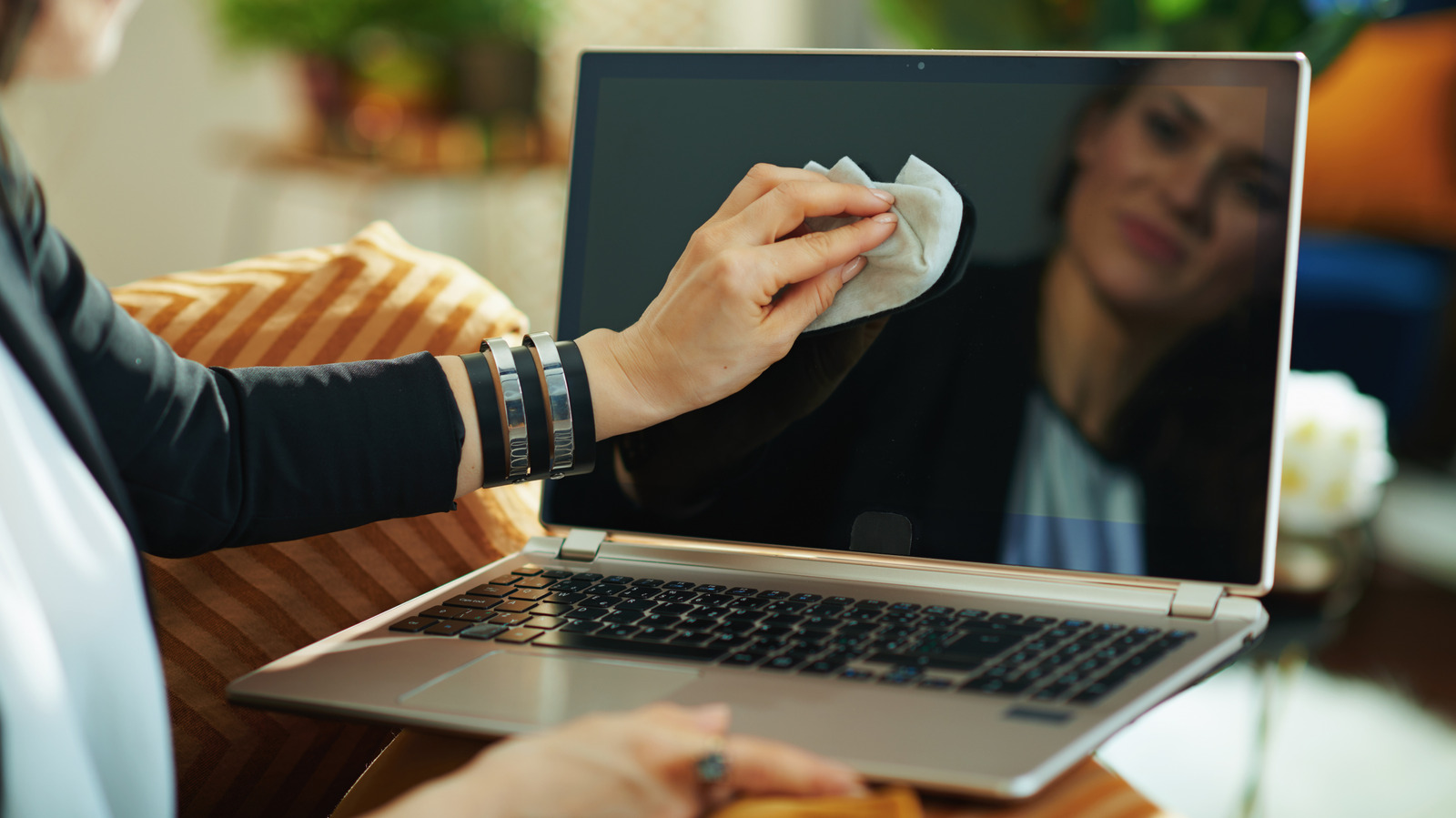
Fingerprints on a laptop screen can be annoying to clean, leading many people to consider using an alcohol wipe. However, hardware manufacturers disagree on whether using such wipes is safe for display panels. When dealing with a dirty screen, most guides recommend using a clean, dry microfiber cloth and being careful with liquids, as fluids can potentially drip inside the display and cause damage. While alcohol evaporates quickly and is less likely to seep in, it remains a harsh chemical. Guidance from companies such as Apple, Microsoft, Dell, HP and Lenovo shows varied cleaning recommendations.
Apple is the most permissive manufacturer regarding chemical wipes. The company states that users can gently wipe displays with a 70 percent isopropyl alcohol wipe, a 75 percent ethyl alcohol wipe, or a Clorox Disinfecting Wipe. Apple also permits a cloth moistened with a 70 percent isopropyl alcohol solution for hard-to-remove smudges, though water is recommended for regular cleaning.
Microsoft maintains stricter rules for Surface devices, advising the use of a screen-cleaning wipe or a soft, dry, lint-free cloth, which can be dampened with water or an isopropyl alcohol solution of 70 percent or less. Microsoft explicitly instructs users never to use disinfectant wipes, glass cleaner, or other chemical cleaners on Surface touchscreens.
Dell, HP and Lenovo specify particular mixtures of alcohol. Dell recommends a microfiber cloth moistened with 70 percent isopropyl alcohol and 30 percent water. Lenovo allows a lint-free cloth moistened with water or a 50-50 mix of isopropyl alcohol and distilled or deionized water for stubborn smudges. HP advises wiping screens with a soft, dry cloth and suggests a solution of 70 percent isopropyl alcohol and 30 percent water for disinfecting. Additionally, Dell, HP and Lenovo advise against using ethyl alcohol, and HP warns that ethyl alcohol, ammonia and other chemicals can permanently damage LCD screens.
Analysis: Knowing the specific cleaning guidelines provided by different computer manufacturers helps prevent permanent damage to LCD screens and touchscreens. Because companies like Apple, Microsoft, Dell, HP and Lenovo have conflicting policies regarding isopropyl alcohol, ethyl alcohol and disinfectant wipes, following the wrong instructions can result in costly hardware damage.
Related Stories in AI & Tech
More in AI & Tech →
Smartphone battery life: how to charge your device
Smartphone batteries are lithium-ion and degrade over time based on charging habits and temperature.
Mechanical vs. membrane keyboards: A comparison
Membrane keyboards use a flexible layer of plastic and rubber to register keystrokes.
Smart TV lifespan and how long displays last
On average, a new smart TV can last from seven to 10 years.
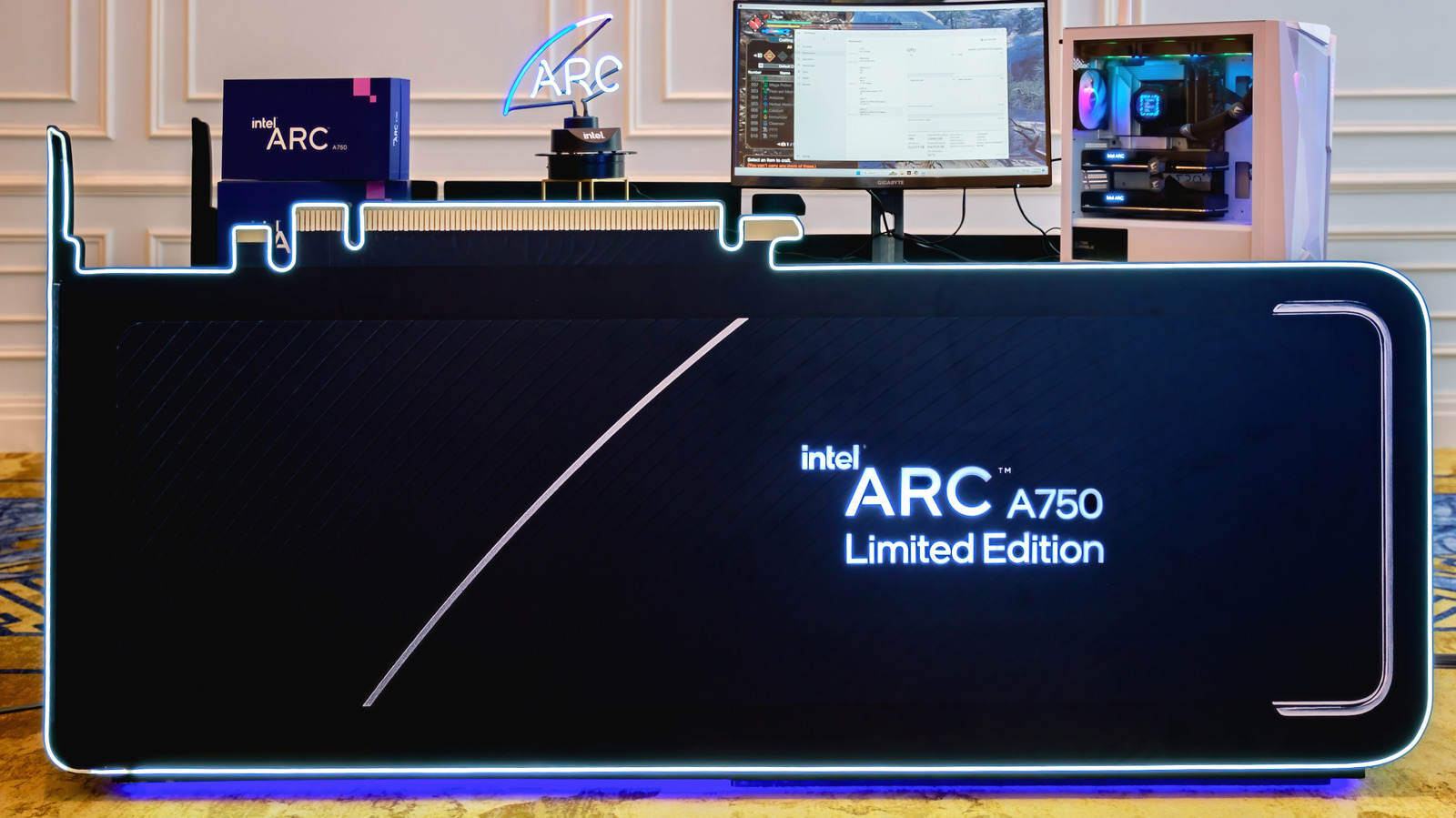
Intel Arc GPUs: Are they still worth buying in 2026?
Intel launched its Arc GPU lineup in 2022, initially facing criticism for poor drivers and system instabilities.

Old iPads can replace costly smart gadgets
An old iPad can replace expensive gadgets costing between $150 and $300.

PlayStation 5 Pro PC build cost and comparison
Sony's PlayStation 5 Pro costs up to $900 before add-ons.
Want to Work Remotely for US & Global Tech Companies?
400+ verified remote positions in AI engineering, cloud development, design, and executive leadership are hiring now worldwide. Fast-track direct application with guaranteed employer delivery.
Subscribe to Our Daily AI & Market Briefing
Get our curated daily news brief, clear market takeaways, and essential video dispatches delivered directly to your inbox.