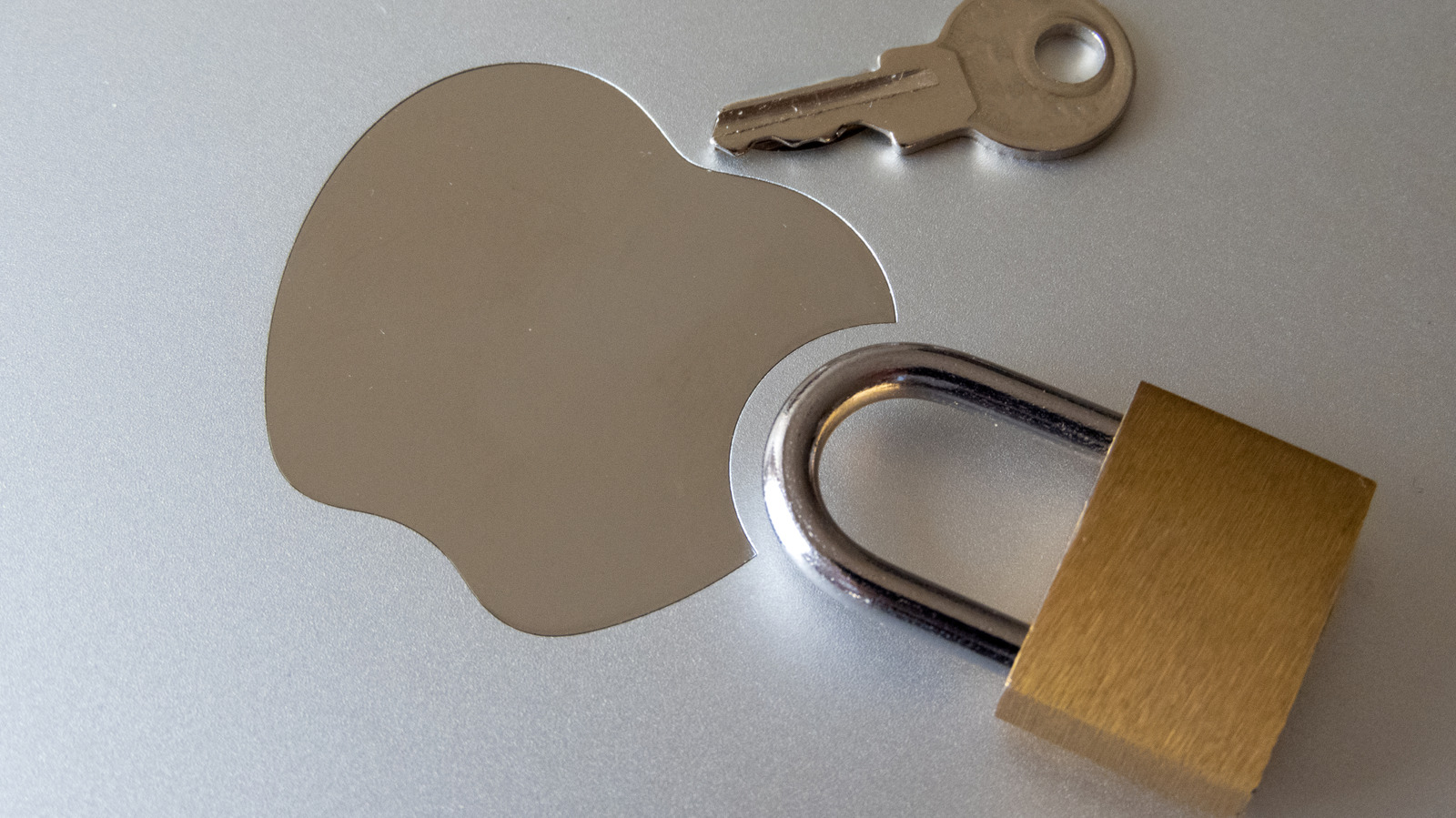
iCloud security settings to protect your Apple account
AI-assisted summary based on reporting fromEngadget.About our reporting
Key Points
- •iCloud security starts with a strong Apple Account password containing letters, numbers, and symbols.
- •Two-Factor Authentication should be enabled alongside checking for leaked passwords in the Passwords app.
- •Users can configure Stolen Device Protection, recovery contacts, a recovery key, and a legacy contact.
Listen to this story (Audio briefing)
For Apple device owners, iCloud serves as the foundation of digital life. Securing this service requires several steps, beginning with the Apple Account password. NordPass notes that common sequences like 123456, admin, and 12345678 rank as the top three worst passwords globally. Users should instead create an alphanumeric password featuring letters, numbers, and symbols, while ensuring they do not reuse it elsewhere. The Passwords app allows individuals to inspect their saved credentials for weak or leaked items. Next, users must check that Two-Factor Authentication is active through the device settings. Within the same menu, individuals should review their trusted phone numbers and email addresses, deleting any that are outdated or no longer in use.
Additional features help prevent unauthorized access if a device is stolen. Stolen Device Protection uses familiar locations like home or work to determine when extra verification is necessary. Outside familiar areas, the device requires Face ID or Touch ID authorization for certain tasks. It also enforces a one-hour security delay and requires two successful biometric scans to alter critical settings. To prepare for potential lockouts, users can configure recovery options. Up to five trusted individuals can be designated as recovery contacts who can generate a code from their own device to help restore access. Alternatively, a 28-character recovery key can replace the standard recovery process, though losing both the key and trusted devices risks permanent exclusion. Finally, a legacy contact can be appointed to access photos, videos, notes, documents, and other memories in the event of the user's death, provided they supply a death certificate.
Analysis: Implementing these security measures helps Apple users safeguard their personal files and accounts against unauthorized access and theft. Utilizing tools like recovery contacts and Stolen Device Protection provides a safety net if a device is lost or compromised.
Related Stories in AI & Tech
More in AI & Tech →
Smartphone battery life: how to charge your device
Smartphone batteries are lithium-ion and degrade over time based on charging habits and temperature.

Mechanical vs. membrane keyboards: A comparison
Membrane keyboards use a flexible layer of plastic and rubber to register keystrokes.

Smart TV lifespan and how long displays last
On average, a new smart TV can last from seven to 10 years.

Intel Arc GPUs: Are they still worth buying in 2026?
Intel launched its Arc GPU lineup in 2022, initially facing criticism for poor drivers and system instabilities.

Old iPads can replace costly smart gadgets
An old iPad can replace expensive gadgets costing between $150 and $300.

PlayStation 5 Pro PC build cost and comparison
Sony's PlayStation 5 Pro costs up to $900 before add-ons.
Want to Work Remotely for US & Global Tech Companies?
400+ verified remote positions in AI engineering, cloud development, design, and executive leadership are hiring now worldwide. Fast-track direct application with guaranteed employer delivery.
Subscribe to Our Daily AI & Market Briefing
Get our curated daily news brief, clear market takeaways, and essential video dispatches delivered directly to your inbox.